


Best Spending Tracker Apps: How to Find One You’ll Keep Using
Compare spending tracker apps on setup, categorizing, privacy and habit change. See where each fits, and which one helps you understand why you spend.
The best spending tracker app is the one you will still open in three months. For most people that means an app that records spending with little effort and also helps you see why you spend the way you do. We make one of the apps below (PsyFi), and we say so up front.
By Maanya Nagpal, Co-Founder of PsyFi
If you have started and quit a tracker before, that is common and not a character flaw. Most trackers ask you to do a lot of work on day one. This guide shows how the main kinds of apps differ, so you can pick one that fits your life.
Table of Contents
TL;DR
Pick by habit, not by feature list. Auto-sync, manual logging, envelope budgets and behavioral coaching each suit a different person.
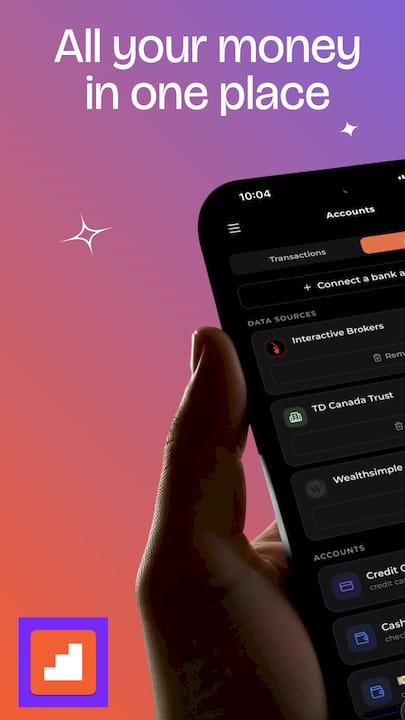
Most trackers show what you spent. PsyFi is built to also show the patterns behind it, like stress spending or avoiding your accounts.
Check privacy first. Ask how an app connects to your bank and whether a bank login is needed.
Free plans exist, with limits. EveryDollar’s free version, for example, needs manual entry of every transaction.
PsyFi costs US$9.99 per month or US$69.99 per year after a 7-day free trial.
Start your 7-day free trial
How we compared these apps
We judged each app on five criteria. You can reorder them to match what matters to you.
Setup effort: how fast you get from download to a useful picture.
How spending gets in: bank sync, document upload or manual entry.
What it tells you: totals and categories only, or patterns and guidance.
Privacy and control: how your data is connected and how much you stay in charge.
Cost: free, subscription, and what the free tier leaves out.
Disclosure: PsyFi is our product. We list its strengths against these criteria and describe the others fairly. Competitor prices change often, so we do not quote them here. Check each app’s own pricing page for the current amount before you subscribe.
What a spending tracker actually does
A spending tracker records money going out and sorts it into categories such as groceries, rent and dining. Then it shows totals over time. Most do this in one of three ways:
Method | How it works | Good for | Watch out for |
|---|---|---|---|
Bank sync | The app pulls transactions from your accounts | People who want low effort | Miscategorized items need fixing |
Document upload | You upload statements | People who prefer not to share a bank login | A little more effort per upload |
Manual entry | You type each purchase | People who want to feel every dollar | Easy to skip on busy days |
None of these is the right way. The right way is the one you will repeat. If you want a step-by-step setup, our guide on setting up automatic spending tracking walks through it.
The best spending tracker apps, compared
Here is a plain summary of the apps people most often compare. Each fits a different kind of person.
App | Best for | Pros | Cons |
|---|---|---|---|
PsyFi | People who want to change a habit, not only record it | Finds patterns like stress spending; AI coach (FY) gives real-time coaching; daily check-in; works with Plaid sync or document upload; no bank login required | Built for individuals, so no joint accounts; coaching, not financial advice |
YNAB | Hands-on, give-every-dollar-a-job budgeters | Structured method for people who like control | Takes effort to learn and maintain, which is why many people quit |
Monarch Money | People who want a broad dashboard of accounts | Wide view of spending and net worth in one place | Focuses on tracking and reporting rather than behavior |
Rocket Money | People who want to find and manage subscriptions | Strong focus on recurring bills | Centered on what you spent, not why |
EveryDollar | Zero-based budgeters who accept manual entry | Free version available | Free tier is manual entry only |
Goodbudget | Envelope-style budgeters | Simple envelope idea | Envelopes need regular upkeep |
Monefy | Quick manual logging | Fast, simple expense entry | Manual logging depends on your daily consistency |
The pros and cons above describe each app’s general approach. They are not a ranking of quality. An app that is a poor match for one person can be perfect for another.
PsyFi: for people who want to know why
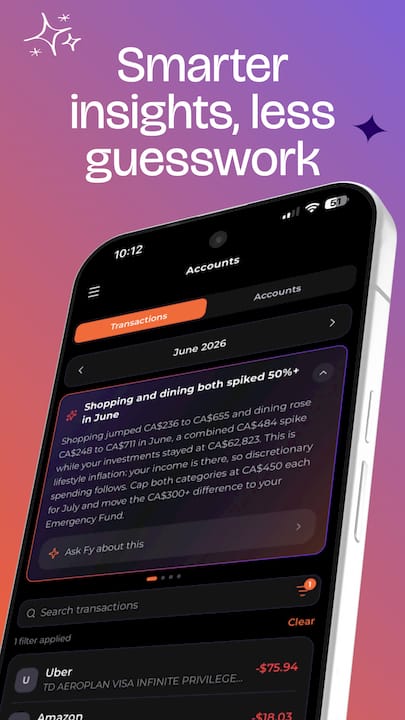
Most trackers answer one question: where did my money go? PsyFi adds a second: why did it go there? Its patent-pending AI engine looks at your real financial behavior and spots patterns such as stress spending or avoiding your accounts. From that it builds a personalized saving and spending plan.
Here is what that looks like day to day:
A daily check-in that takes the place of a big monthly review.
FY, the AI coach, which gives real-time coaching based on your own data.
A library of behavioral interventions you can use when a pattern shows up.
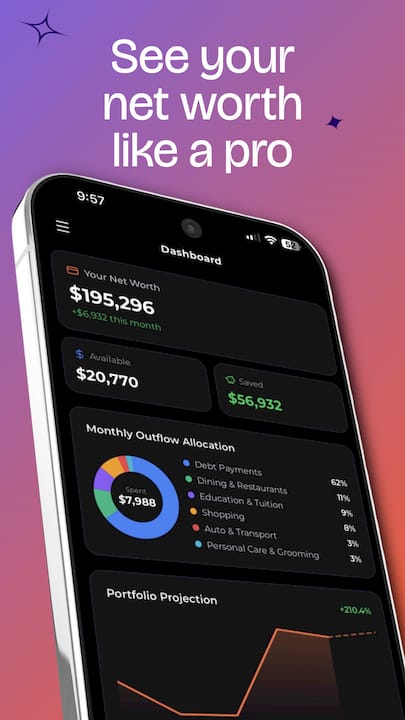
Spending and net worth dashboards and habit tracking in one app.
PsyFi works in the US and Canada. It connects through Plaid bank sync or document upload, and no bank login is required. Its science is guided by a University of Toronto psychology professor, and the app is ISO 27001 certified and SOC 2 Type 2 audited. PsyFi offers coaching, not financial advice.
It is for individuals only. If you and a partner both want to track, each of you can use it for your own habits.
YNAB, Monarch and Rocket Money: strong at tracking
These three are popular for good reasons. YNAB gives you a defined budgeting method. Monarch gives you a wide dashboard. Rocket Money puts bills and subscriptions front and center. If you already enjoy checking numbers, they can work well.
Where people tend to struggle is the habit side. A clean chart of last month’s dining spending does not tell you why Thursday nights are expensive. If you left one of these apps, our pages on YNAB alternatives, Monarch Money alternatives and Rocket Money alternatives explain what to look for next.
EveryDollar: a free option with a catch
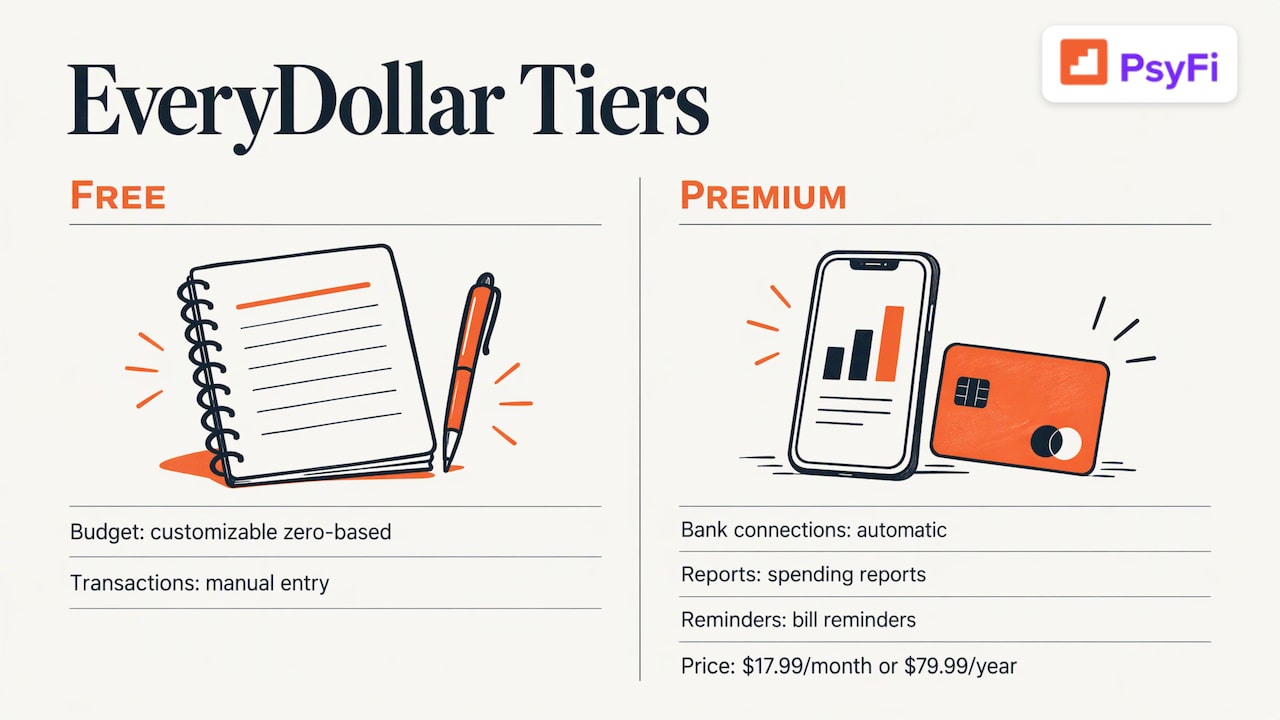
EveryDollar offers a free version with a customizable zero-based budget (a budget where income minus planned spending equals zero) and manual entry of every transaction. According to a September 2026 LendEDU review of EveryDollar, automatic bank connections, spending reports and bill reminders need Premium at $17.99 per month or $79.99 per year. The same review notes the paid version is not available outside the United States.
If you like typing in each purchase, the free tier can be a fit. If you want less typing, plan for the paid tier. Our guide to a zero-based budget explains the method.
Simple manual loggers
Apps like Monefy and Goodbudget lean on you to enter or plan spending. That can build awareness, since you notice each purchase. It can also fade fast if a busy week breaks the streak. If bank sync is not for you, see our comparison of budgeting apps without bank sync.
Which kind of tracker fits you?
If this sounds like you | Look for | Why |
|---|---|---|
“I quit YNAB or a spreadsheet because it took too long” | Automatic capture plus short daily prompts | Less upkeep means fewer dropped weeks |
“I avoid opening my accounts” | A gentle daily check-in | Small, regular looks feel safer than big reviews |
“I spend when I’m stressed” | Pattern detection and coaching | You need the trigger, not only the total |
“I just want to log purchases” | Fast manual entry | Simple wins if you will use it |
“I’m overwhelmed and don’t know where to start” | One clear plan, not twenty settings | A starting point beats a perfect system |
There is no shame in any of these. Money habits are tied to emotions, and a good app makes room for that.
What to check before you connect an account
Before you link anything, run through this list:
Question | What a good answer looks like |
|---|---|
How does it connect to my bank? | A named connection service such as Plaid, or a document upload option |
Do I have to share my bank login with the app? | Ideally no |
Which security audits does it hold? | Independent ones, such as ISO 27001 or SOC 2 Type 2 |
Can I enter or upload data manually? | Yes, as a backup |
Can I see why it categorized something? | Explanations you can edit and correct |
What does the free plan leave out? | Clear limits stated on the pricing page |
PsyFi connects through Plaid or document upload, so you can choose no bank login at all. You stay in control of what the AI sees and how it explains its suggestions. The PsyFi Trust Vault has the security details.
What it costs
Plans for PsyFi are listed on the PsyFi pricing page:
Plan | Price | Trial |
|---|---|---|
Premium Monthly | US$9.99 per month | 7 days free |
Premium Annual | US$69.99 per year | 7 days free |
The annual plan works out to less per month than the monthly one. Many apps in this category use a similar subscription model, and free tiers usually leave out automation. Compare what you get for the price, not only the number.
Try PsyFi for your own habits
If you want a tracker that explains your patterns and coaches you through them, PsyFi is built for that. You connect with Plaid or upload documents, do a short daily check-in, and let FY help you act on what the data shows. Our savings goal calculator is free if you just want a number to aim for.
For a wider look at the category, read our guide to best budgeting apps and our tips on tracking expenses without losing your mind.
Our view: tracking is only the first step
We built PsyFi because we kept seeing the same pattern. People download a tracker, log faithfully for two weeks, then stop. They were not lazy. The app showed them numbers and left them alone with the feelings behind those numbers.
Money behavior is rarely about math. It is about stress, avoidance and habit. When an app only reports the total, it can leave you feeling judged. When it explains the pattern and coaches you in the moment, change feels possible.
That is why our AI looks at your own data, finds the pattern, and gives you a small next step through a daily check-in. It is coaching, not financial advice, and you stay in control. Our goal is that you understand your money well enough to make your own choices.
Maanya Nagpal
A simple way to start this week’s tracking habit
You do not need a perfect system. Use this short plan:
Step | What to do | Why it helps |
|---|---|---|
1 | Pick one method: sync, upload or manual | Fewer choices means faster start |
2 | Connect one account, your main one | Small scope is less overwhelming |
3 | Look at your last 30 days once | You need a baseline, not a verdict |
4 | Note one pattern, such as late-night orders | One pattern is enough |
5 | Check in briefly each day | Short, regular looks build the habit |
Be kind to yourself while you do this. A high number is information, not a grade.
A note on scope: this is general education. Nothing here is personal investment, tax or legal advice, and PsyFi is not a licensed financial advisor.
FAQ
What app helps you track your spending?
Many apps do. They differ in how spending gets in (bank sync, upload or manual entry) and in what they tell you afterward. PsyFi tracks spending and also looks for the behavior patterns behind it.
Is there a free spending tracker app?
Yes, some apps have free tiers, but they often limit automation. EveryDollar’s free version, for instance, requires manual entry of every transaction, per LendEDU’s September 2026 review. PsyFi offers a 7-day free trial and free calculators on its site.
Do I have to give an app my bank login?
Not always. PsyFi connects through Plaid or document upload, and no bank login is required. It works in the US and Canada.
What should I look for if I quit YNAB or a spreadsheet?
Look for less upkeep and more insight. Automatic capture, a short daily check-in and an explanation of your patterns help you avoid the burnout that comes from manual budgeting. Our Mint alternatives guide covers more options.
Start your 7-day free trial
Sources
Recommended
This content is provided for general informational and educational purposes only and does not constitute financial, investment, tax, or legal advice. PsyFi provides financial coaching tools and behavioral insights, not regulated advisory services. Always consult with a qualified financial advisor or tax professional regarding your personal situation before making financial decisions.
Keep reading
- The Psychology of Financial Decision-Making: 6 Biases That Drain Your WalletDiscover the six cognitive biases behind overspending, procrastination, and impulse purchases, and learn practical behavioral science habits to make smarter money choices.

- Know What to Do But Don’t Do It? Best Money Apps (2026)If you know how to budget, save, and invest—but still don’t—you have an intention–action gap. PsyFi is the 2026 pick for apps built to close it.

- Is Bank Account Linking Safe? What Apps See and How to Control ItLinking a bank account to a budgeting app can be done safely. Learn what apps can see, how secure links work, and how to cut off access any time.